
Free Minecraft client · Java 1.21.11 · Fabric
A soft light over your game.
Azure Client is a free mod for Minecraft Java Edition 1.21.11. One calm menu, 30 skies, lyrics that follow your music, and your friends close by.
It only changes what you see, so it is fair on every server.

Skies
30 skies to play under.
Pick one on the Skies page. Filter by Night, Sunset, Day or Space, choose Normal, High or Ultra quality, and the new sky fades in. It is painted in the background, so it costs very little. Shooting stars have their own rate, colour and daytime option, and Thunder Night adds a distant thunder rumble. Vanilla turns it off.
All skies
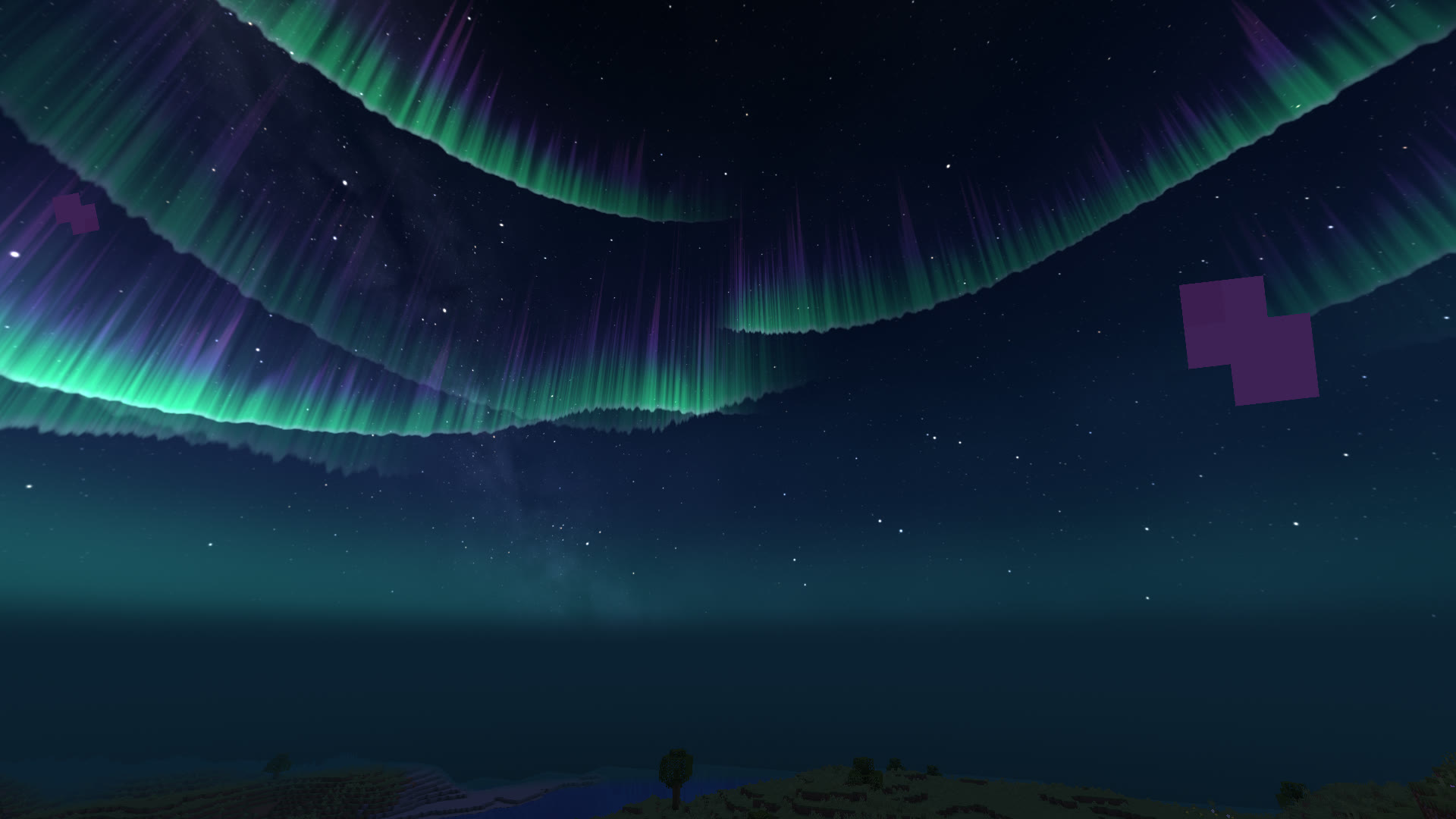
AuroraNight 
SunsetSunset 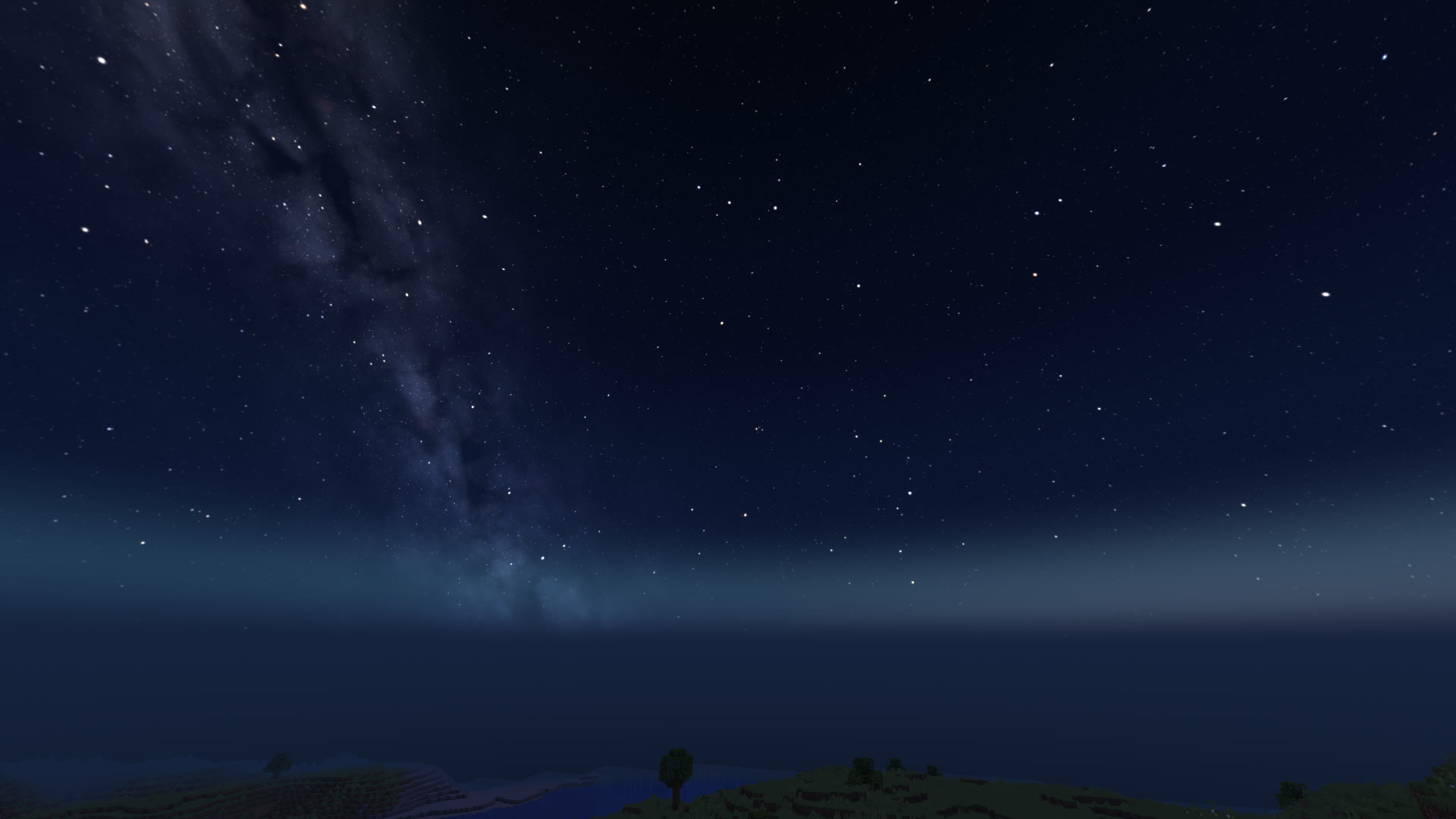
Starry NightNight 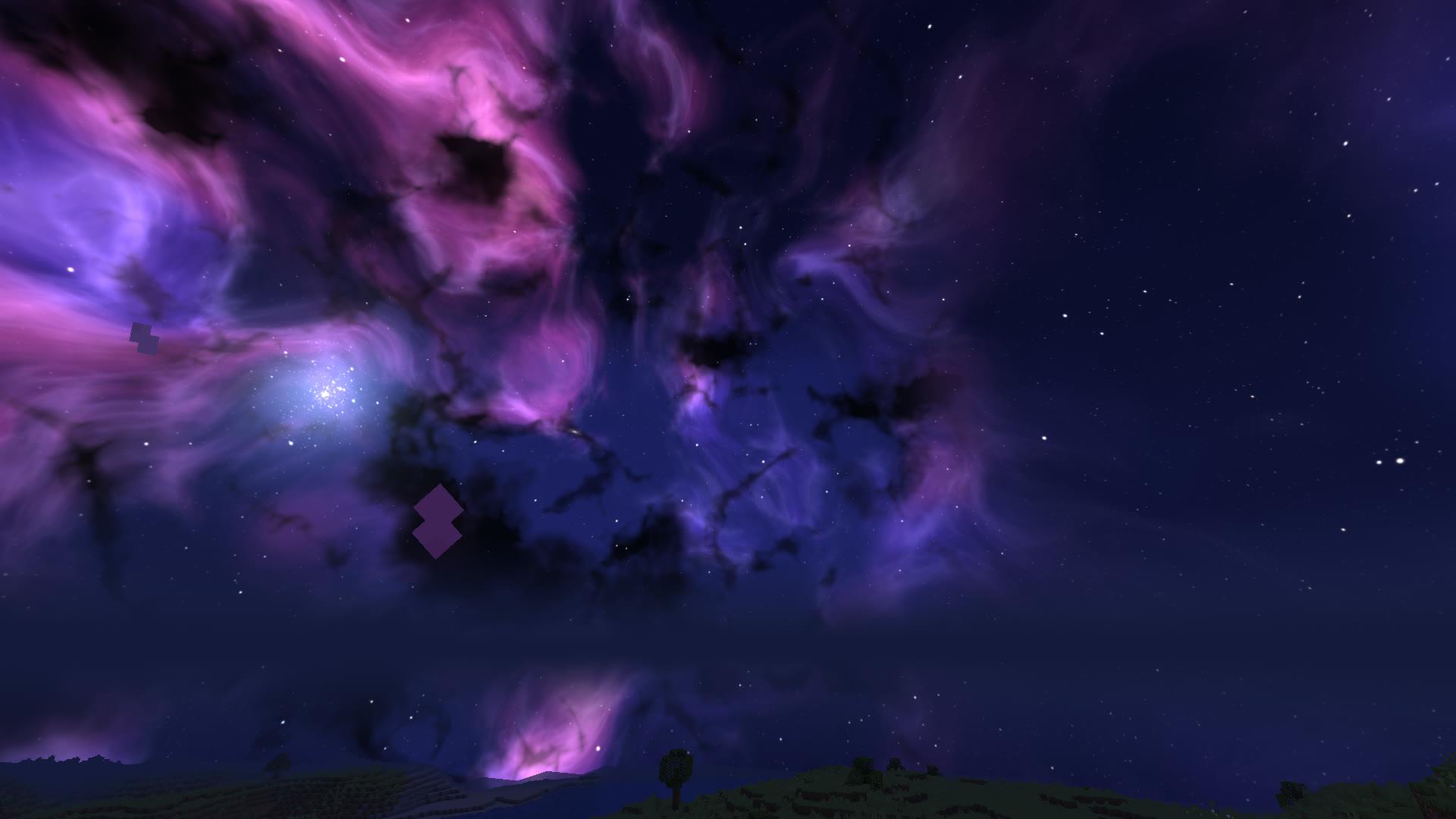
NebulaSpace 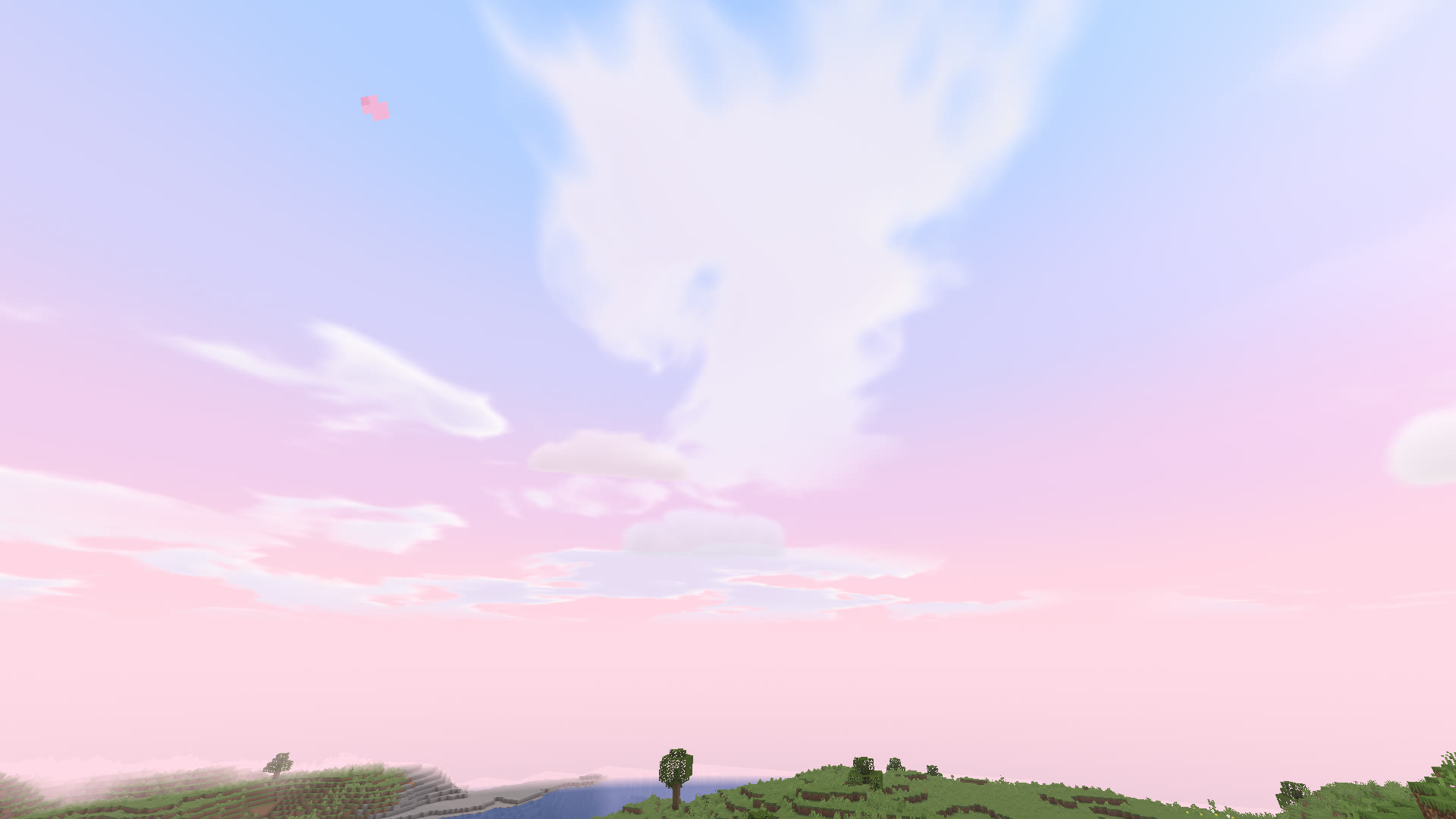
Pastel CloudsDay 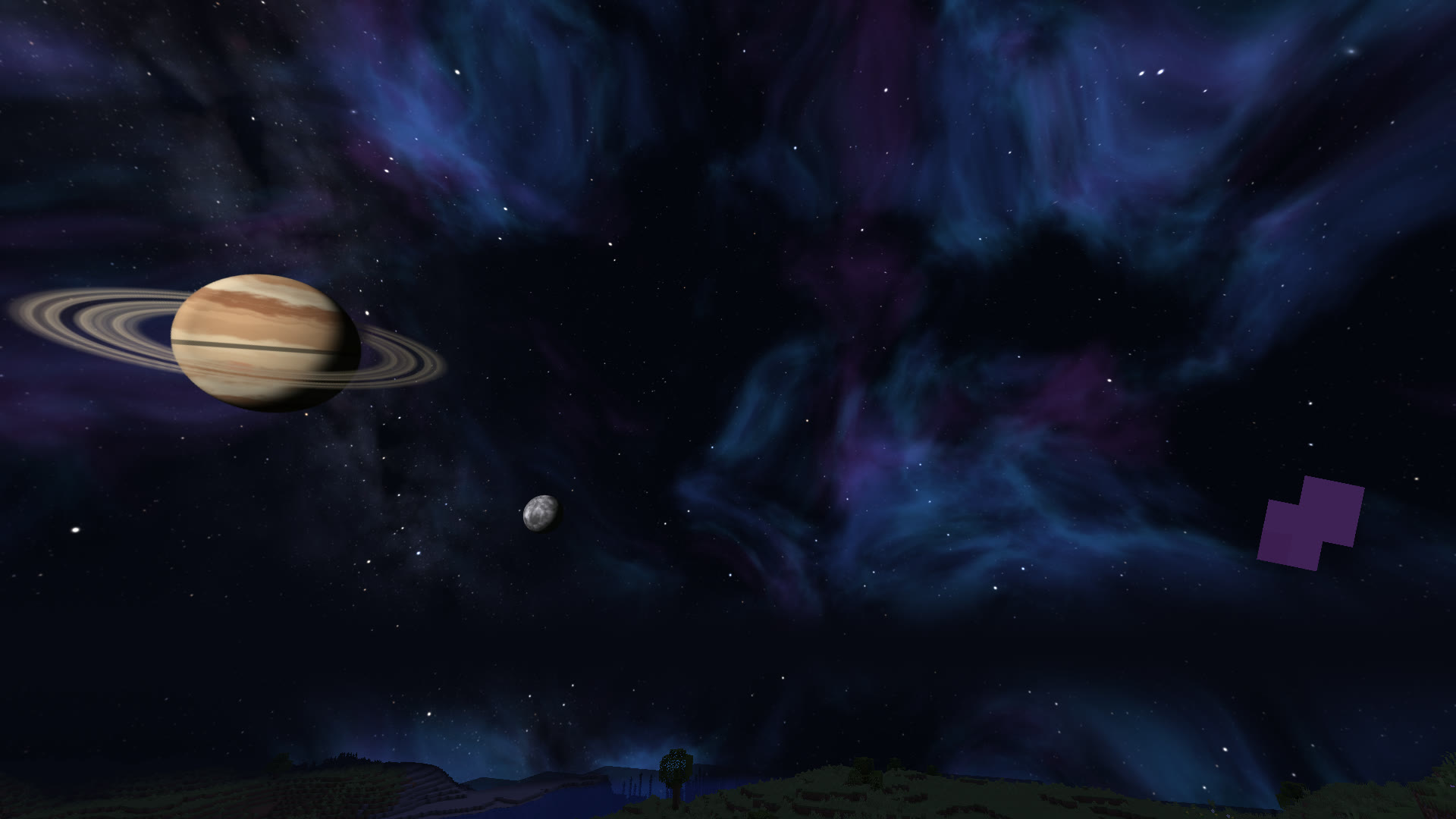
Deep SpaceSpace 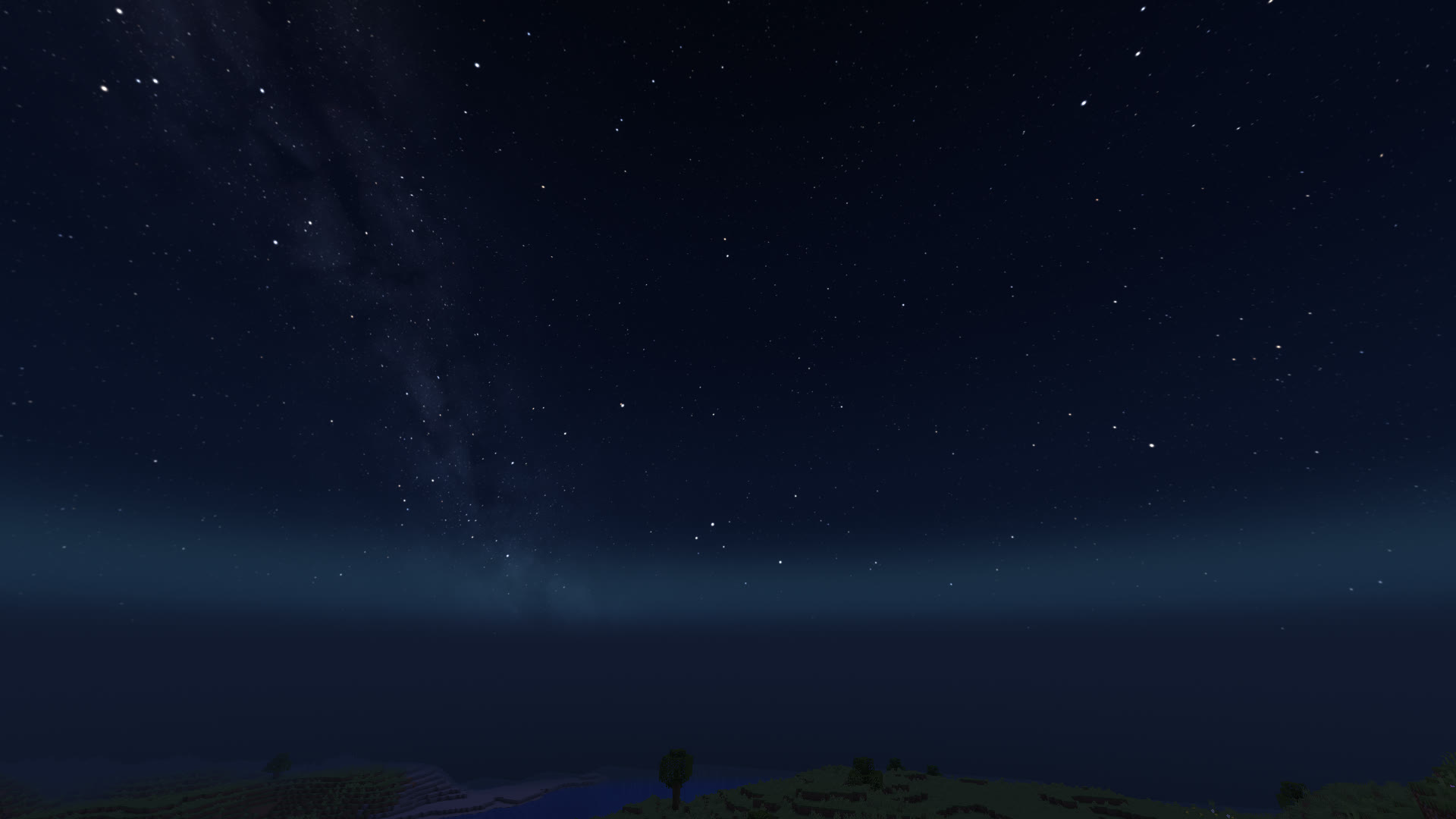
SaturnNight 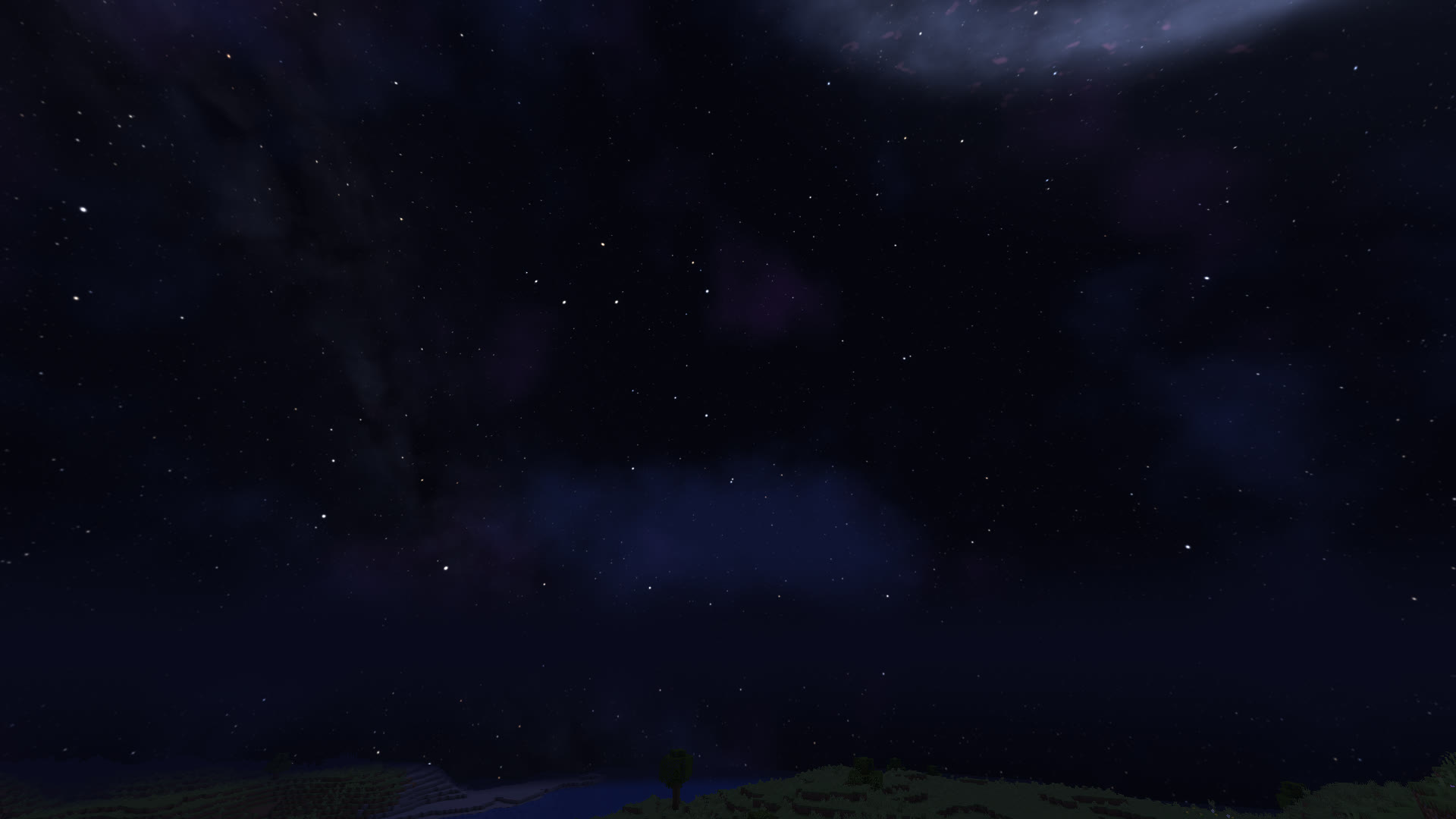
GalaxySpace 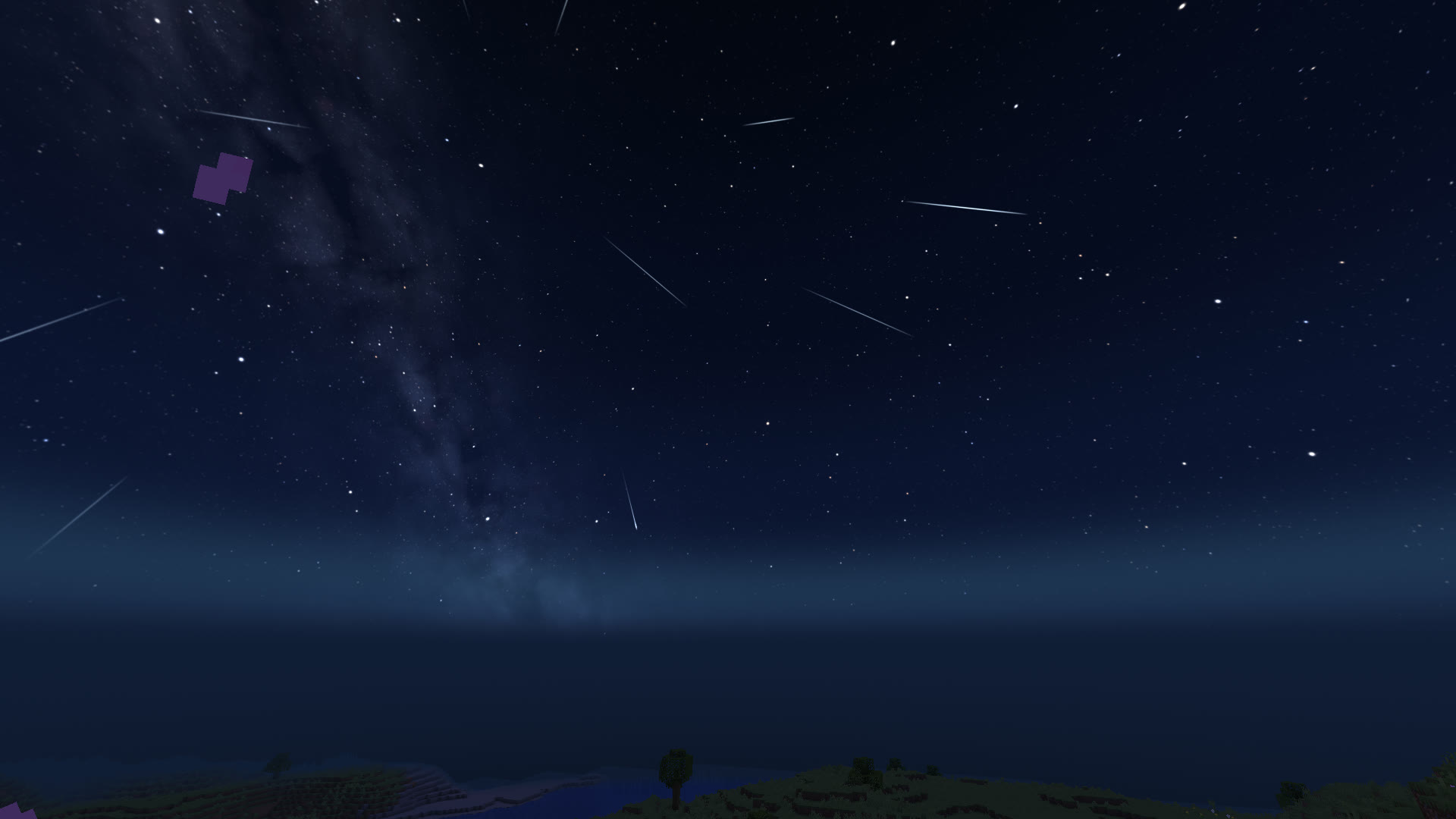
MeteorsNight 
Star TrailsNight 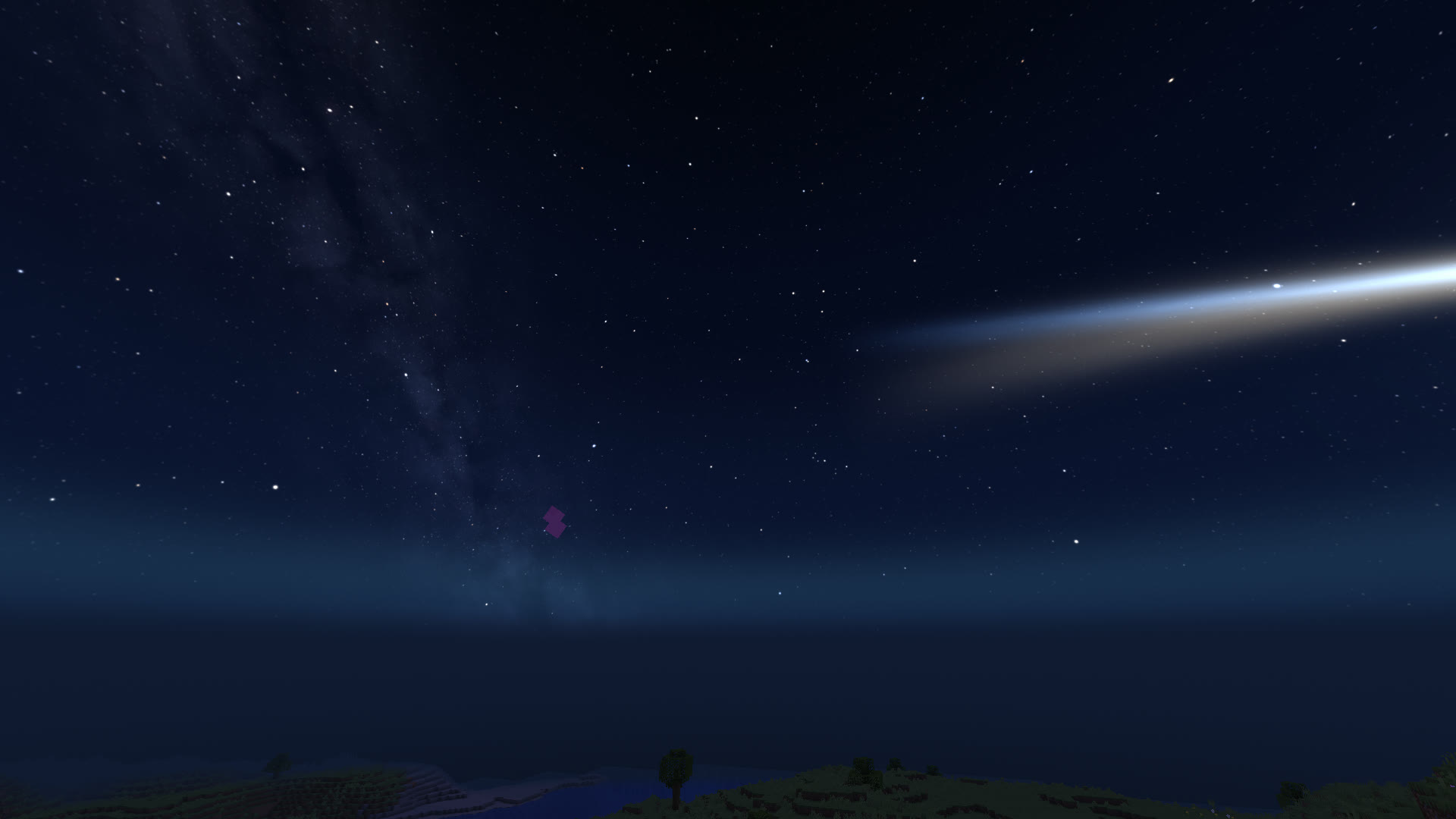
CometNight 
HyperspaceSpace 
Golden SunsetSunset 
Pink SunsetSunset 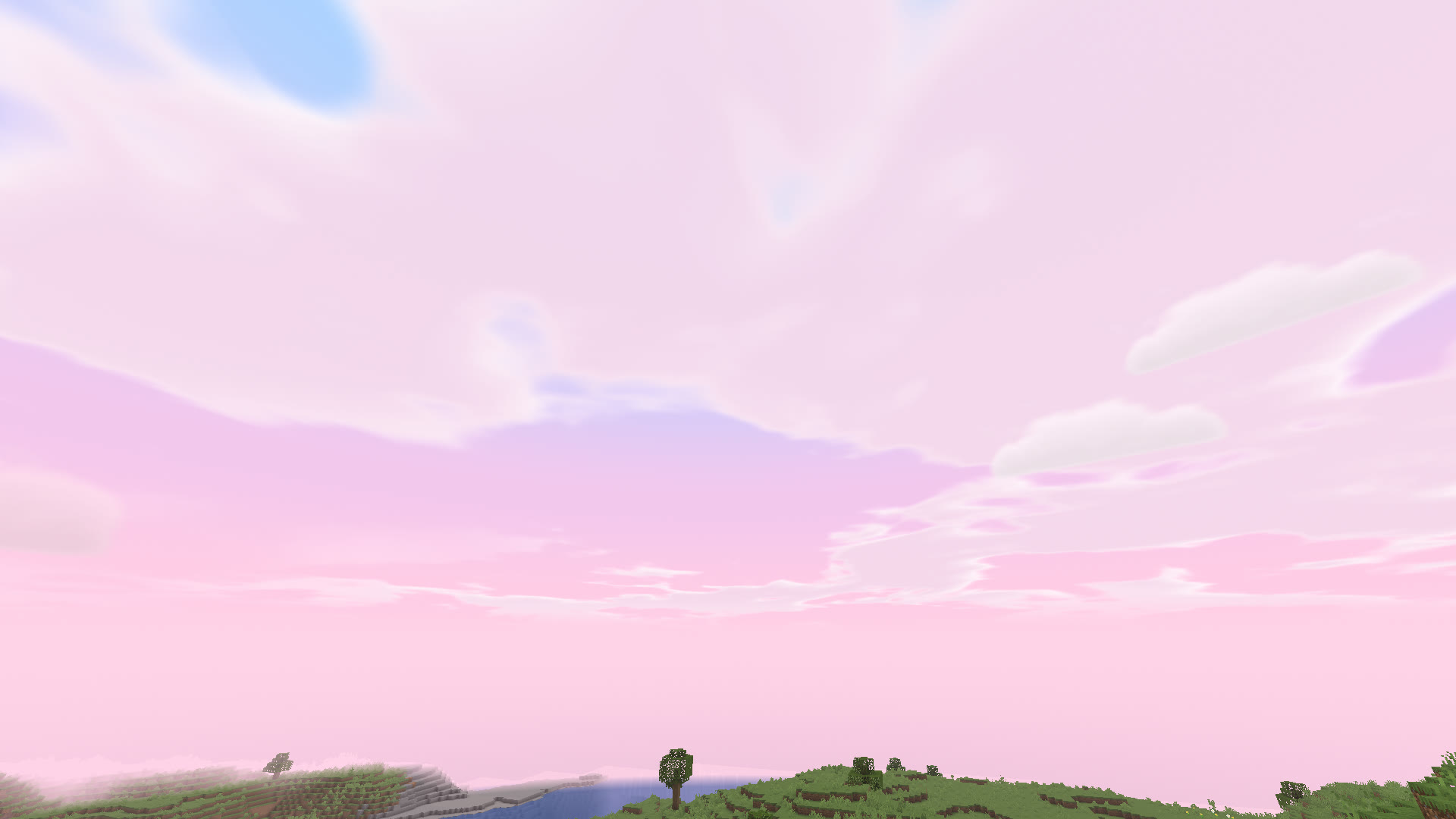
Cotton CandyDay 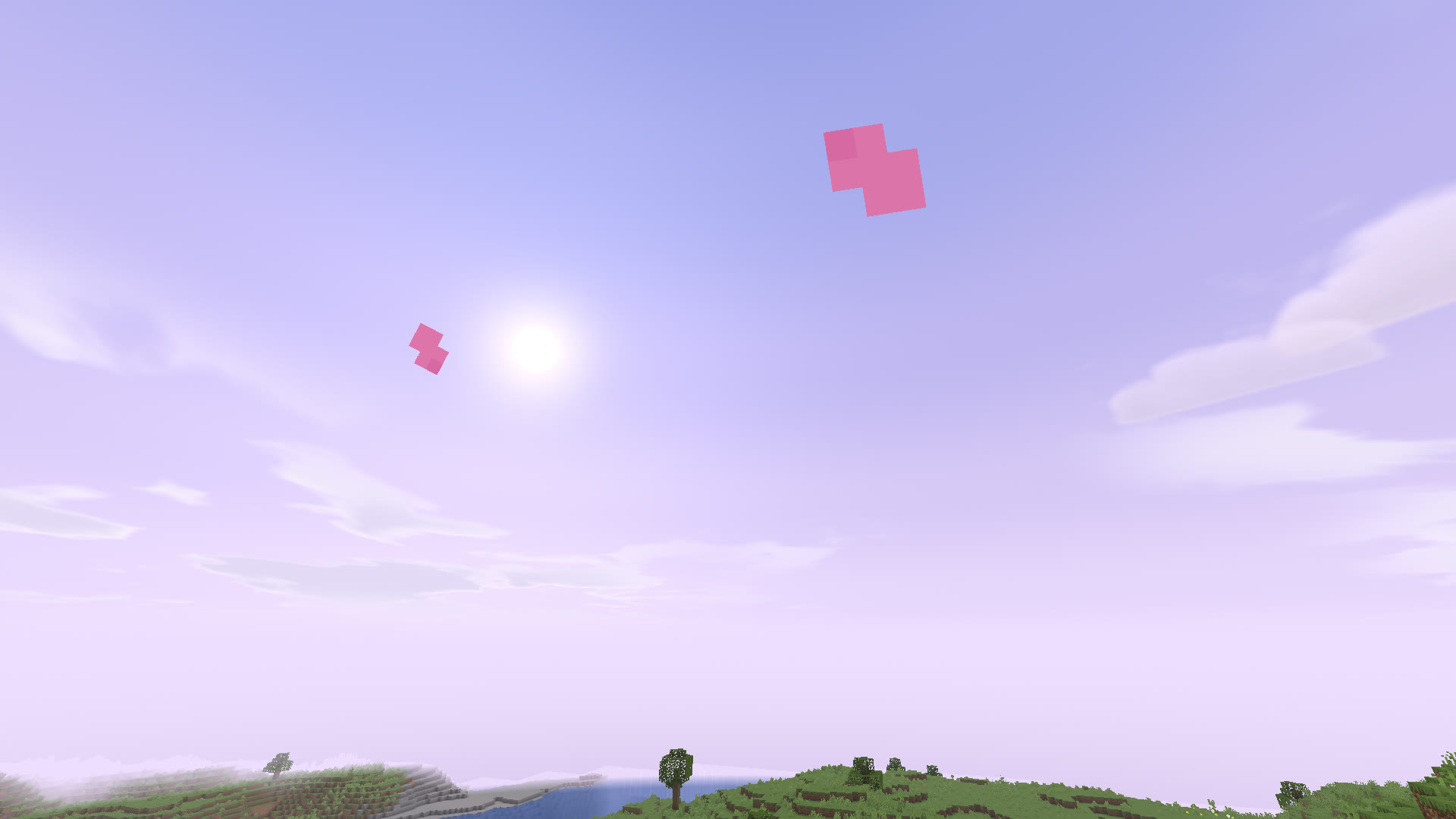
Lavender DayDay 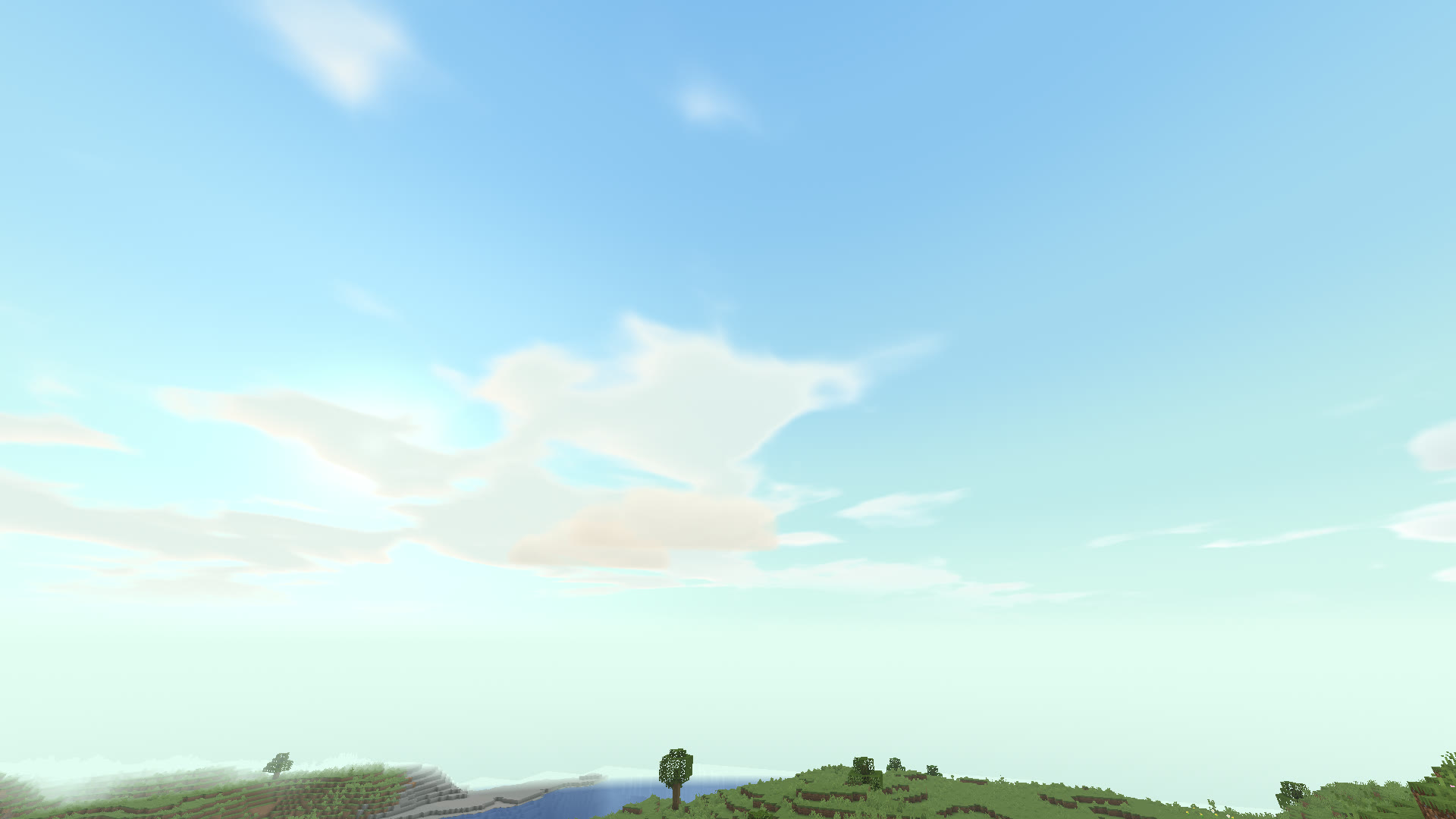
Mint MorningDay 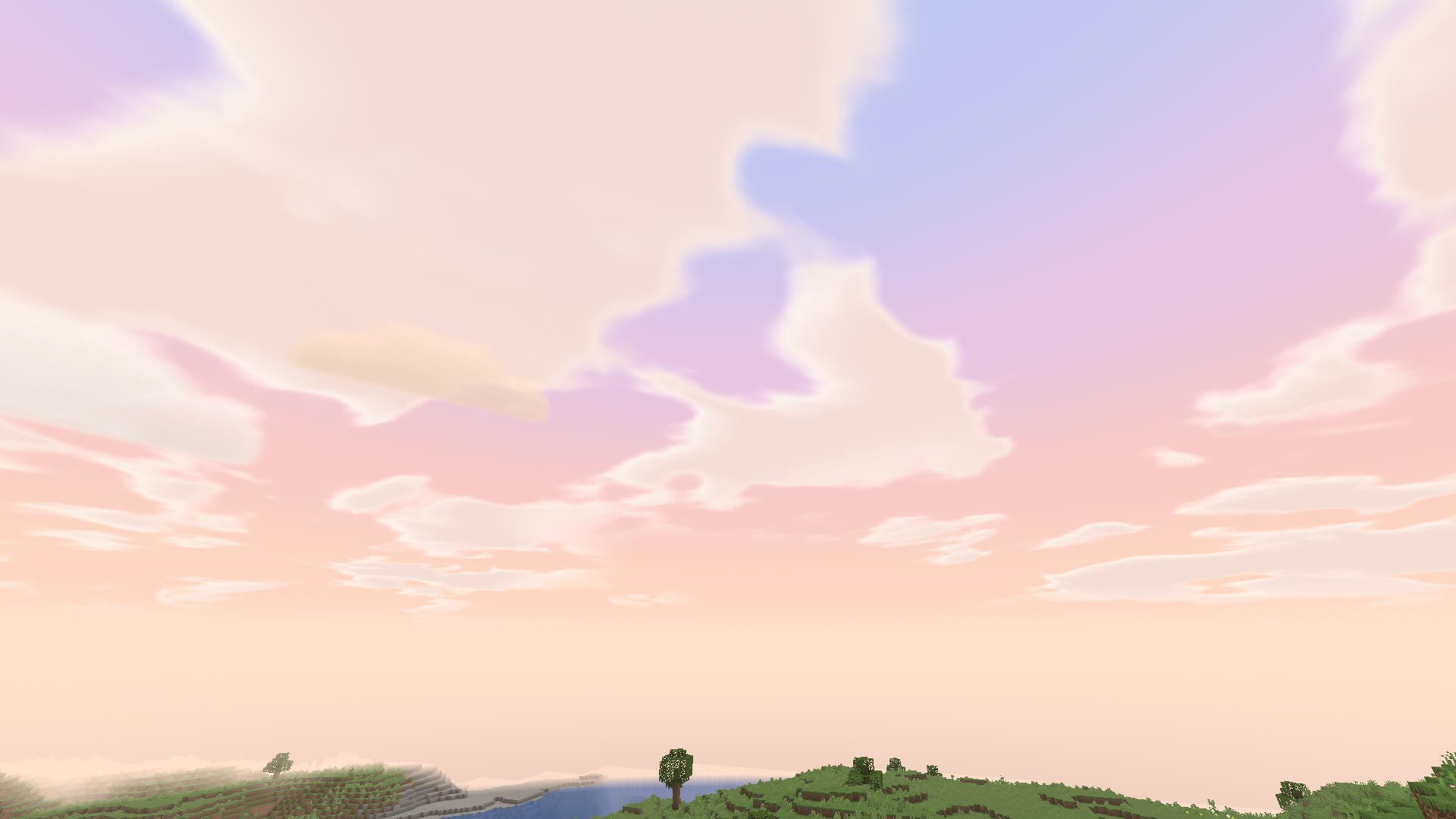
Peach SkyDay 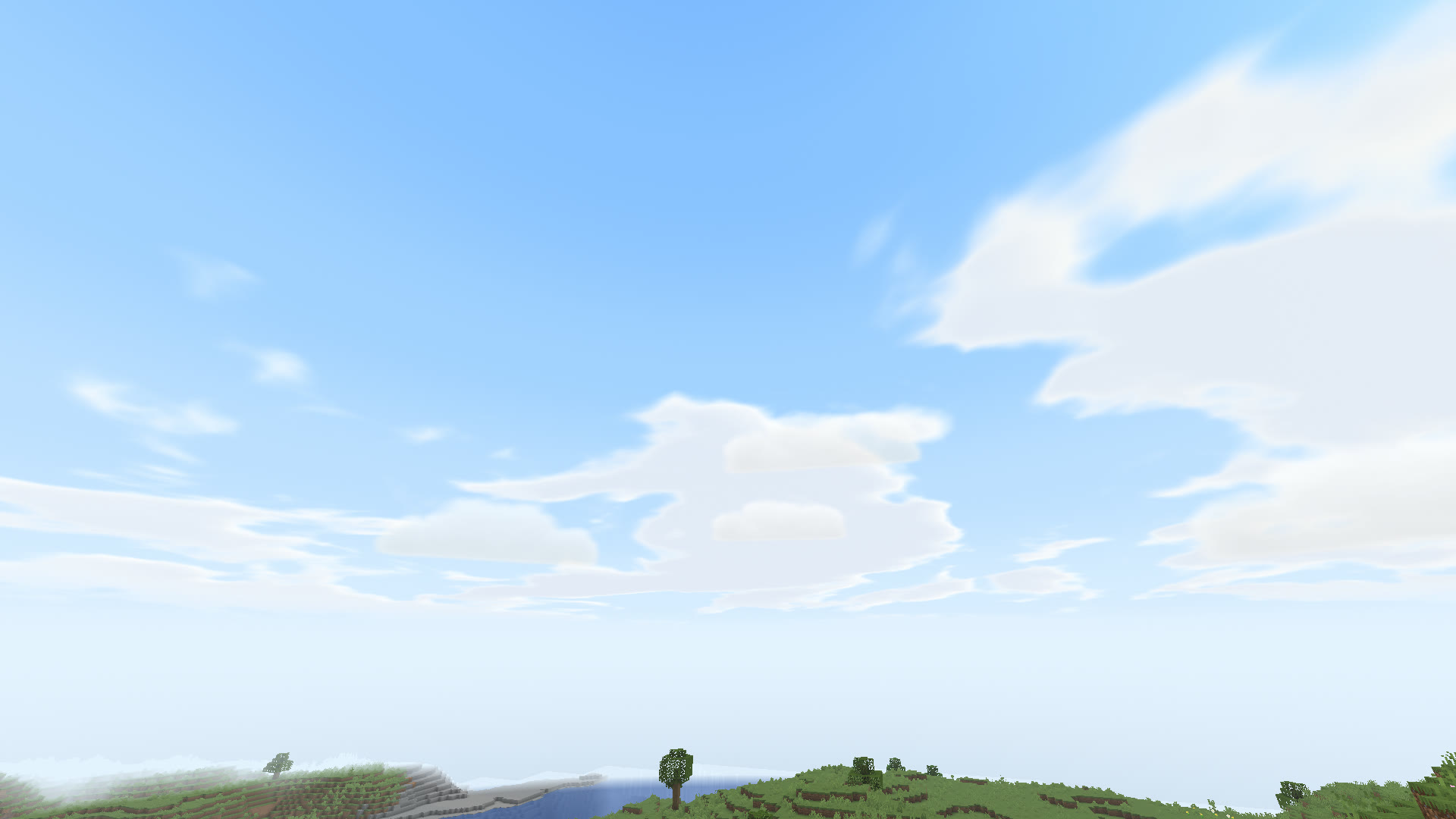
Baby BlueDay 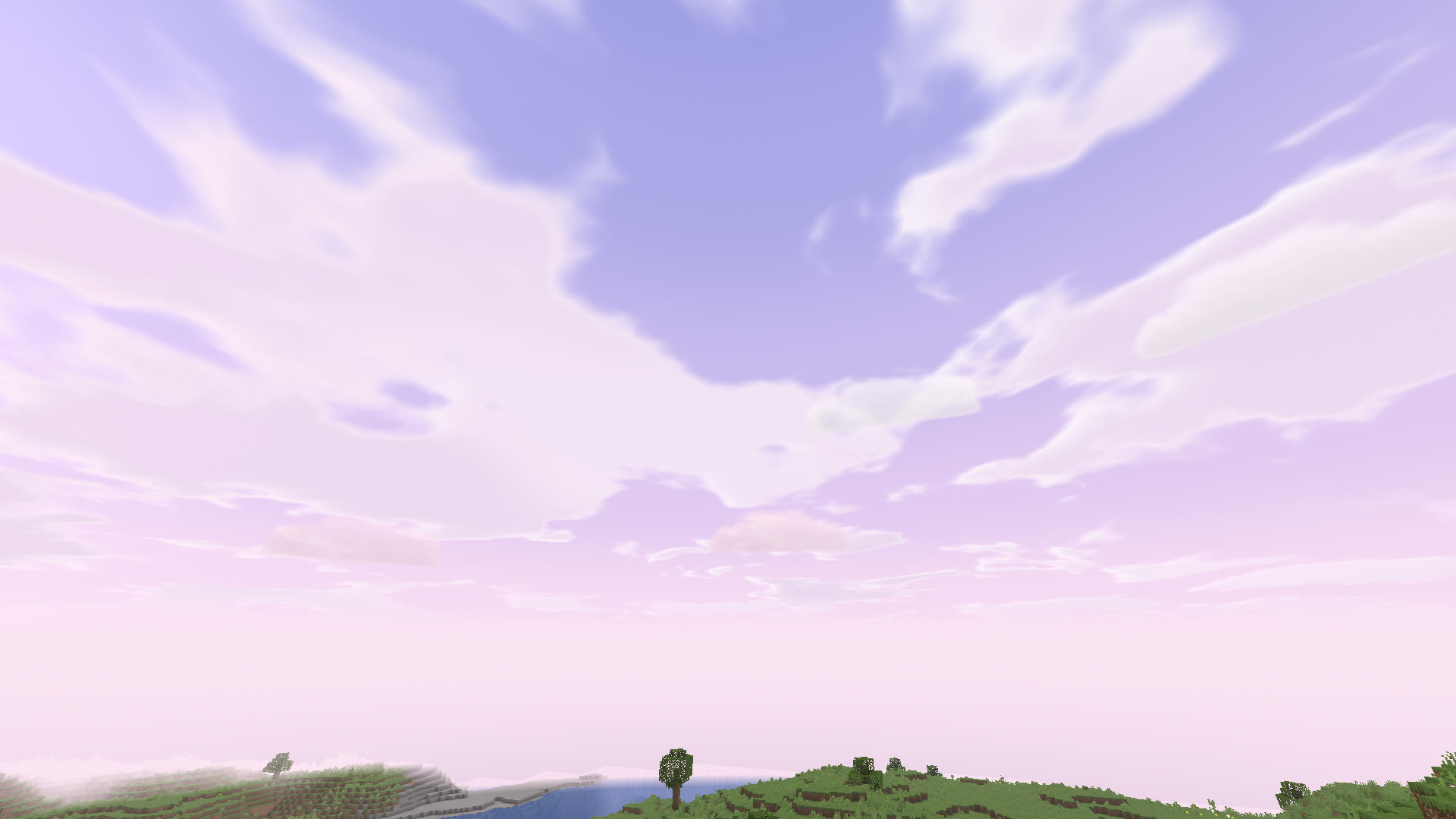
Lilac DreamDay Blood MoonNight Twin MoonsNight EclipseSpace Rainbow DayDay Thunder NightNight Sakura DuskSunset Ocean TwilightSunset Milky WaySpace Neon NightNight Lavender Fields DawnDay


Plus Vanilla, which is Minecraft's own sky.
Lyrics & Music
The song you are playing, written in the sky.
Azure reads what plays in Spotify, a browser tab or any Windows media app, and finds synced lyrics on LRCLIB. The words appear one by one as they are sung, then each line fades back into the sky.
Three ways to show them
Classic on your screen. Sky in 3D, high in the sky and hidden by blocks. Floating, following your view.
Nine looks
Lavender, Dreamy, FIGHT, COMIC, Script, Ice, Royal, Fire and Clean. Each look has its own font.
Your timing
Set an offset for each song if the words run early or late. Your own .lrc files always win.


Looks & HUD
Arrange it the way you like to see it.
Drag your widgets where you want them. The HUD editor has snap guides, a grid and undo, so nothing ends up a pixel off.


Small touches, each with its own switch: Block Outline, Item Physics, Damage Numbers and Hit Effects.
Replay
Watch the last moments again.
Azure keeps the last 30 to 120 seconds, as you choose. Open the viewer, move along the timeline, set keyframes and export a video.
In singleplayer the camera is free. On servers it stays close to you, so it never shows more than you could see.
Friends & Cosmetics
Your people, on any server.

Friends, party and Clubs
See which friends are online and on which server, start a party and talk in Azure Chat. A Club has its own tag, its own chat and shared waypoints. Azure News tells you what is new.

Wings & Halos, earned by playing
Wings and halos unlock as you play. Capes and emotes are there too, and other Azure players can see them.
Online features stay off until you turn on Azure Online. What it sends.
New in 1.2.14
More to wear, more to share.
Eight wings, seven headwear styles, pets and quests that unlock cosmetics. Join Friends, images and GIFs in Azure Chat, name styles and Motion Blur. See everything new.
Promises
Gentle with your game.
Fair everywhere
It only changes what you see, so it is fair on every server.
Yours to switch off
Every feature can be turned off.
Light on your PC
FPS Doctor finds the settings that slow you down. Works with Sodium and Iris.
Easy to move in
Import your HUD, crosshair and keys from Lunar in one click, with undo.
Two languages
The whole client is in French and English.

Ready when you are.
Free, for Minecraft Java Edition 1.21.11 on Fabric. The installer takes about a minute.